Web player & dashboard
Log in to the Musico dashboard
Log in to musicobot.xyz with your Discord account to use the web player, manage your library and change your server's Musico settings.
The web player and dashboard run in your browser. There's nothing to install. You log in with your Discord account.
Log in
- Go to musicobot.xyz and click Login in the top-right corner.
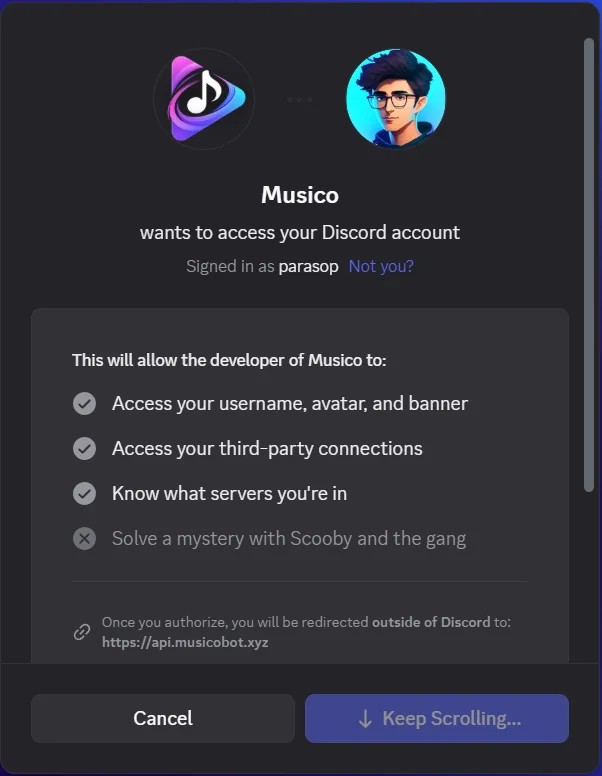
- Discord asks you to let Musico see your username and avatar, your connected accounts (used for Spotify playlist import) and which servers you're in. Scroll down and click Authorize.
- You're sent back to musicobot.xyz, logged in. Your avatar and name now show in the top-right corner. Click them to open your account menu:
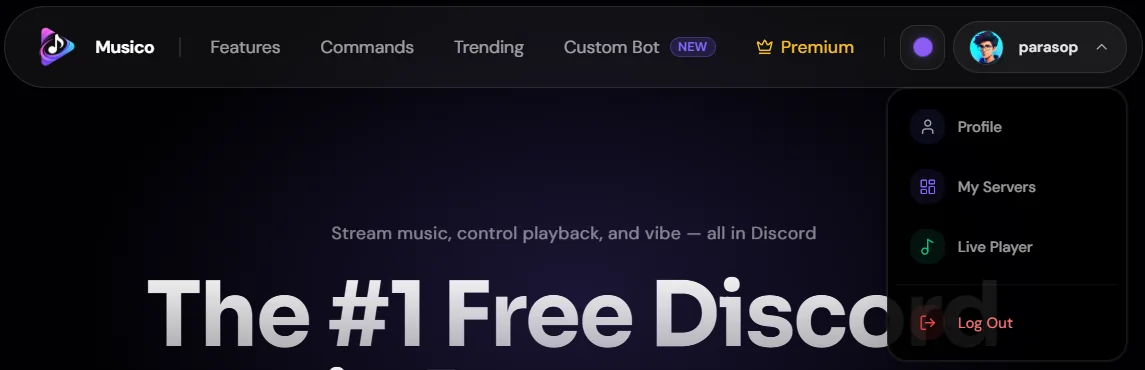
| Menu item | Where it goes |
|---|---|
| Profile | Your stats, Premium slots and Spotify playlists. See Managing your subscription |
| My Servers | Pick a server to manage |
| Live Player | The web player for the voice channel you're in |
| Log Out | Sign out of musicobot.xyz |
Open a server
Click your avatar → My Servers. The Select a Server page lists your servers; servers that already have Musico are under Musico Active. Use the search box if you're in a lot of servers.
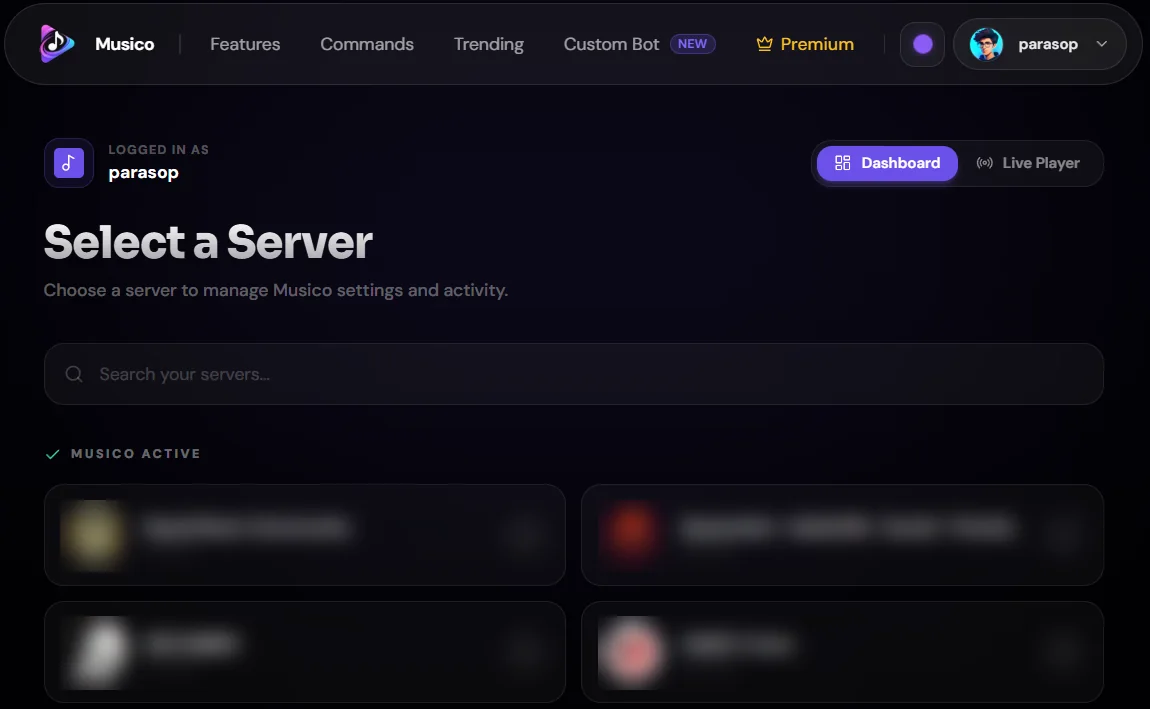
- Servers where Musico is already added open straight into the dashboard.
- For servers without Musico, you'll be offered the invite instead.
Inside a server, the tabs are:
| Tab | What it's for |
|---|---|
| Overview | A summary of Musico in this server |
| Web Player | Control the music that's playing. See Web player |
| Library | Your playlists and liked songs. See Your library |
| Settings | Server configuration (admins). See Dashboard settings |
The page also has Theme (change the dashboard's accent colour) and Fullscreen buttons.
Shortcut from Discord: run
/settingsin your server to get a direct link to that server's dashboard.
Multiple Musico bots
Musico has several bots: Musico, Musico 2, Musico 3 and Musico Prime. If your server has more than one, use the bot switcher in the top-right corner of the server page to choose which bot you're controlling. Each bot keeps its own settings. Extra bots come with Premium: Silver gets 3 bots, Gold adds Musico Prime, and Diamond gets all of them plus a custom bot.
Log out
Click your avatar → Log Out.
Still stuck? Ask in the Musico support server.